
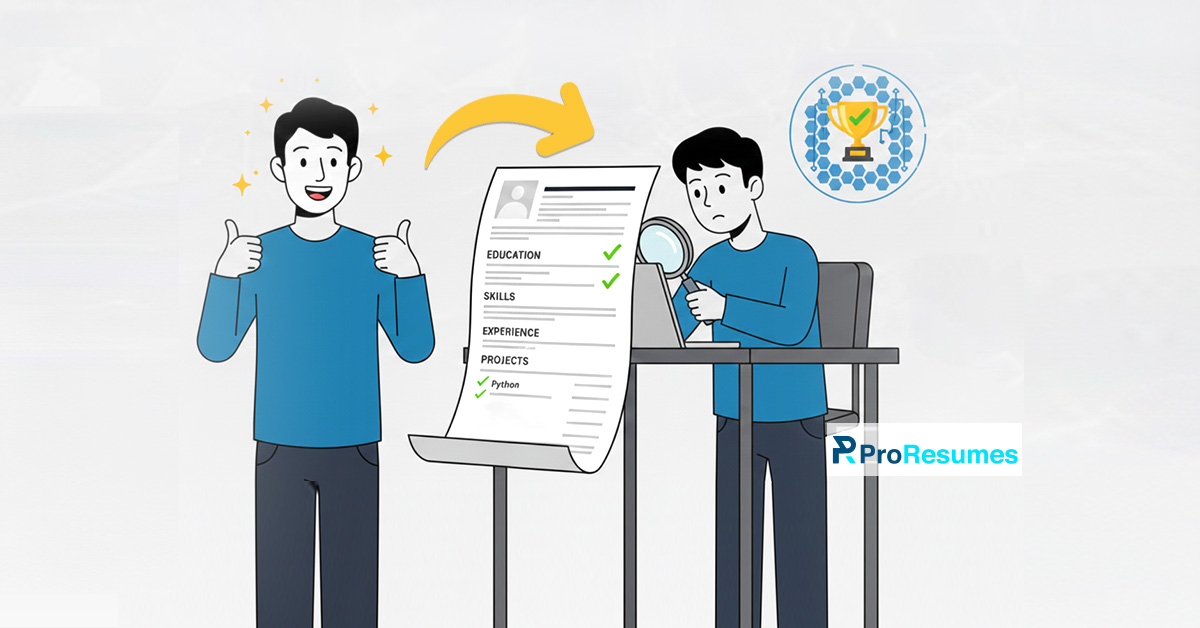
An ATS-friendly student resume in 2026
According to statistics, around 75% of qualified job applicants get rejected by the ATS scanners because they are unreadable. The Applicant Tracking Systems (ATS) are getting sophisticated with the rise of AI and modern technology.
However, they are considered as the first hindrance to a job applicant’s path to getting hired. It is essential to learn the tactics of getting past the ATS scan in 2026.
Moreover, if you’re a student with no work experience, learning ATS optimization for your first resume can be a game-changer.
Are you a student who wants to work but is stuck on resume writing?
In this guide, we will guide you regarding the ATS algorithm and provide an easy-to-follow guide to create an ATS-friendly student resume. Moreover, we will also share the best practices to create resumes that beat the ATS software.
Want to learn more about crafting the best resume? Check out the career advice on ProResumes for job search success and career advancement.
What is the ATS algorithm, and what does it deal with?
As per the 2025 resume statistics, 78.5% of the organizations use an Applicant Tracking System (ATS) software. These companies use this software to automate and streamline the entire recruitment process.
The ATS algorithm works according to a specified recruiter’s criteria for selecting relevant job applicant profiles. These criteria include details like job titles, keywords, qualifications, years of work experience, skills, and more.
Organizations use the ATS algorithm to execute the following tasks to enhance the productivity and efficiency of the hiring team:
Automates Job Posting
Hiring managers or recruiters create a detailed job description according to a particular criterion. Moreover, the ATS software allows them to post vacancies on a number of career pages, social networking sites, and more. This process helps in enhancing the recruitment process with the help of a single interface.
Gathers Job Applications
The Applicant Tracking System (ATS) software gathers all the data submitted by applicants across platforms. The system stores job applications, cover letters, and online details regarding a job applicant.
Parses Applicant Resumes
Once the ATS stores the information, it conducts resume parsing and analyzes the resume keywords, experience, and more. The system then divides the applications into two sections: disqualified and qualified.
Resume screening helps with removing resumes that don’t fit the provided criteria to save the time of the hiring team. Moreover, it also ranks the applications according to their level of matching the specified applicant tracking criteria.
Manages Job Applications
The best thing about the ATS algorithm is that it helps the hiring team throughout the recruitment process. It is used to communicate with job applicants through email.
Moreover, recruiters use it to track the progress of an applicant during the recruitment process and conduct background checks.
Coordinates with Recruiters
The hiring managers collaborate with the ATS software and add feedback for applicants to support ATS-driven communication. Moreover, recruiters also share applicant evaluations with the ATS software for better decision-making.
Provides Analytics
The ATS software is also used to provide analytics related to the time for hiring, the source of applicants, and more. This helps the hiring team in analyzing weaknesses in the recruitment process to build improvement strategies for the future.
How to make an ATS-friendly student resume?
We’ve discussed the ATS algorithm and how it works. Let’s explore the strategy to craft an ATS-friendly student resume:
Focus on proper Resume Formatting
To craft an ATS-friendly student resume, one should focus on the following:
- It is important to use standard resume fonts like Georgia, Cambria, Verdana, and more. Moreover, according to certified resume writers, the resume font size should be around 11 to 12 pts for body text. Job applicants can use a 13-14 pt font size for section headings.
- Using a simple layout is crucial to creating an ATS-friendly student resume. Moreover, students can use the reverse chronological resume format by adding the most recent education details.
- When it comes to a student’s resume length, it is best to stick to a one-page resume format.
- It is advised to ensure a 1-inch margin within your ATS-friendly student resume for better readability. The spacing between resume content can be between 1.0 and 1.5.
- Job applicants should save their resumes in a text-based PDF format.
Craft a solid Professional Summary
You can create a good professional summary for your ATS-friendly student resume by incorporating the following:
- Use action words.
- Mention your core skills.
- Add your core achievements
- State your future career aspirations.
Provide relevant work experience
The best way to create an ATS-friendly student resume is to quantify your achievements, even if you have no work experience. Here are the following tips for the experience section formatting:
- List the most recent work experience like internship or volunteer work.
- Mention the organization’s name, location, job duration, and job title.
- Focus on the PAR (problem + action + result) formula while writing resume bullet points.
Use Detailed Education Section Formatting
If you’re a student with no work experience, it is essential for you to describe your education details. Here’s how you can create a detailed education section for an ATS-friendly student resume:
- List the name of the educational organizations, duration of study, and major subjects.
- Add the title of your degree.
- Add the expected graduation data if you haven’t graduated yet.
- Add your cumulative grade point average (CGPA). Don’t mention if it’s below 3.0.
- If you’ve completed coursework that is relevant to the job, specify it.
- Add any extracurricular activity, like a social club membership or more.
Add the best hard skills and soft skills
It is essential to specify your core hard skills and soft skills to create an ATS-friendly student resume. It helps with keyword optimization to pass the ATS scan and tells the employer regarding your core competencies.
Make use of Additional Resume sections
Since most of the students have no work experience, they can optimize their resumes with the following additional resume parts:
- Certifications and Awards
- Hobbies and Interests
- Bilingual or Multilingual Proficiency
- Journal or Publications
Trying hard but still can’t create an effective ATS-friendly student resume? Contact ProResumesfor expert resume writing services.
Best practices for crafting student resumes that pass the ATS scans
You can create an ATS-friendly student resume by ensuring the following practices:
- Don’t add any graphical elements, shapes, or non-standard script fonts.
- Always tailor your resume according to the job description.
- Don’t use any abbreviations and acronyms unless they’re in the job descriptions.
- Always proofread resumes for grammatical or spelling mistakes.
- Avoid using resume buzzwords to enhance readability.
- Use a basic resume template
- List any tools, software, or tech stack relevant to your job.
- Always quantify your achievements.
- Use a free ATS scanner to check the readability of your content.
- Keep your resume simple.
Can a student resume beat the ATS scans?
Yes, a student’s resume can beat the Applicant tracking system scanning if it has the following:
- ATS-friendly Content
- ATS-friendly Formatting
So, are you ready to craft an ATS-friendly student resume?
Frequently Asked Questions
Q. Are resume templates from Canva ATS-friendly?
While Canva is a helpful, easy-to-use graphic editor, it might not be the best for crafting an ATS-friendly student resume. It is essential to pass the Applicant Tracking System (ATS) scanning to land a job interview.
However, even though Canva resume templates are easy-to-customize, they aren’t ATS-friendly because:
- Canva uses non-standard fonts and resume formatting techniques.
- Resume templates are often filled with graphical elements that are difficult to detect during resume parsing.
- Customizable resume templates often use separate text boxes that are unreadable by an ATS scanner.
- Most of the time, the Canva resume templates are downloaded in picture-based PDF documents that are unreadable.
Q. What is a good self-description for a student’s resume?
The best way to write a good professional summary for a student’s resume is to incorporate the following:
- Conduct an in-depth job description analysis.
- Focus on your strengths by emphasizing skills, academic achievements, and more.
- Make use of resume power words and action words to create resume bullet points.
- Emphasize your willingness to learn and collaborate.
- Proofread your resume or ask acquaintances, fellow college or university mates, and professors to proofread it.
- Make regular changes to your resume as you unlock new achievements and experiences.
Q. What should a teenager put on their first resume?
It is important to understand the significance of a resume and its sections to create one. To create a teen resume for the first time, one should focus on the following:
- Add your proper contact information, including phone number or address.
- Add your resume objectives within two to three lines, highlighting your worth as a job applicant.
- Create a detailed education section.
- Add your hard skills and soft skills that are relevant to the job.
- Add additional sections like certifications, hobbies, and interests.
Q. What is the most ATS-friendly resume format?
The most ATS-friendly student resume format is the reverse chronological resume format. In this resume format, the most recent experience of the job applicant is listed first, while the prior is listed below.
Most of the applicant tracking systems are basically set with a recruiter’s criteria that involve chronological resumes. The students who lack required work experience can use this ATS-friendly resume format to list their education details.